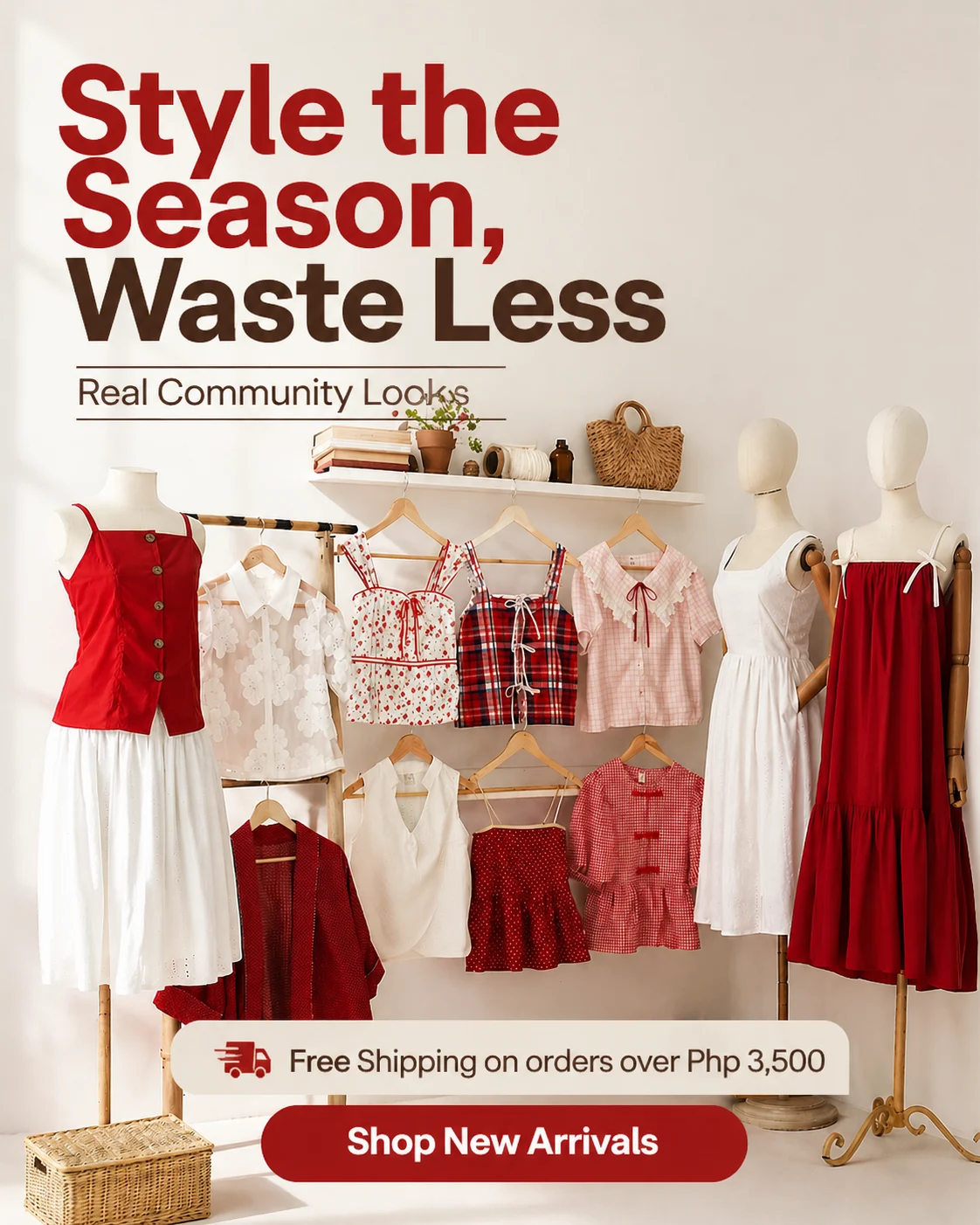
4:5
FeedThe tallest ratio Meta renders in the feed without cropping, which is why it earns the most vertical space in a scroll.
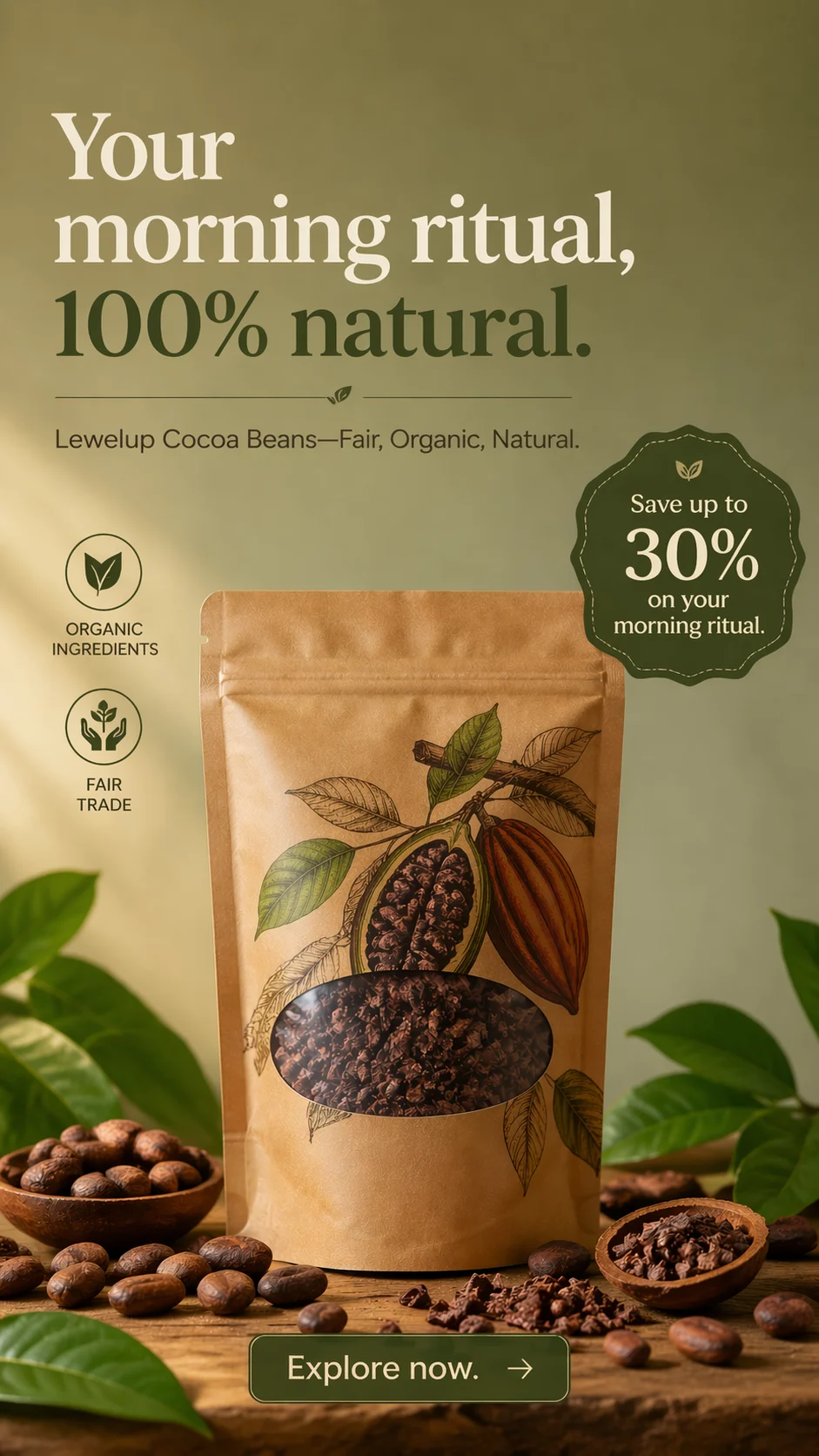
Your product detail page URL goes in; on-brand ad creatives come out. Built for independent store owners who need assets for dozens of SKUs, not one hero image for a single launch.
Each asset is generated at the ratio Meta's placements expect, so a product can go from one product detail page into the formats a live campaign uses without a manual resize pass.
The tallest ratio Meta renders in the feed without cropping, which is why it earns the most vertical space in a scroll.

Full-screen vertical. Interface elements sit over the top and bottom of the frame, so the product belongs in the middle band.

The format that keeps a carousel and a product catalogue unit visually consistent across a whole collection.

Landscape units where the headline and description carry the click, useful for a single hero product.
Every asset below started as a product photo and a product page URL. No retouching pass, no manual rebuild between formats, no redrawn product.
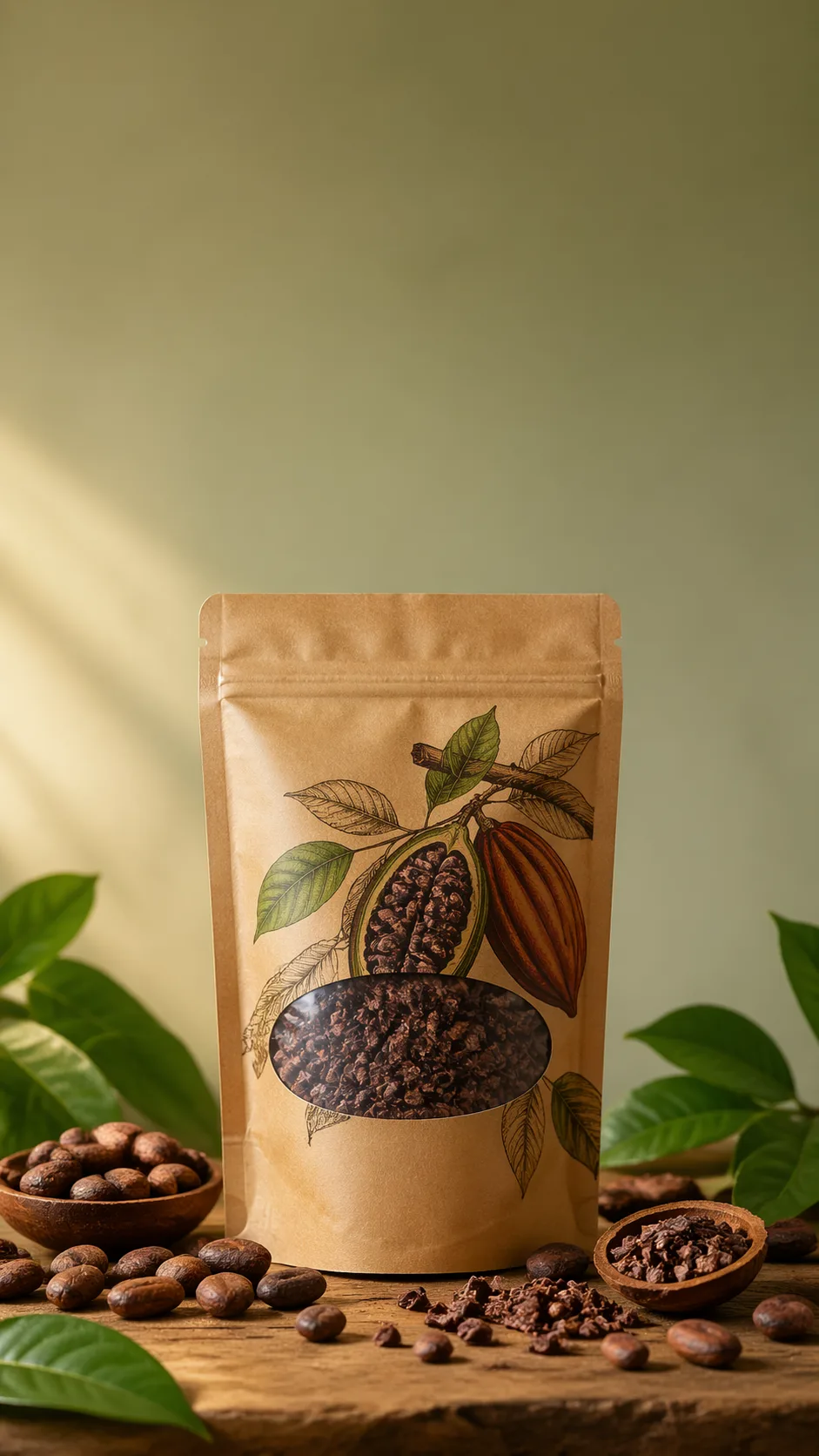
Organic Skincare Product Feature
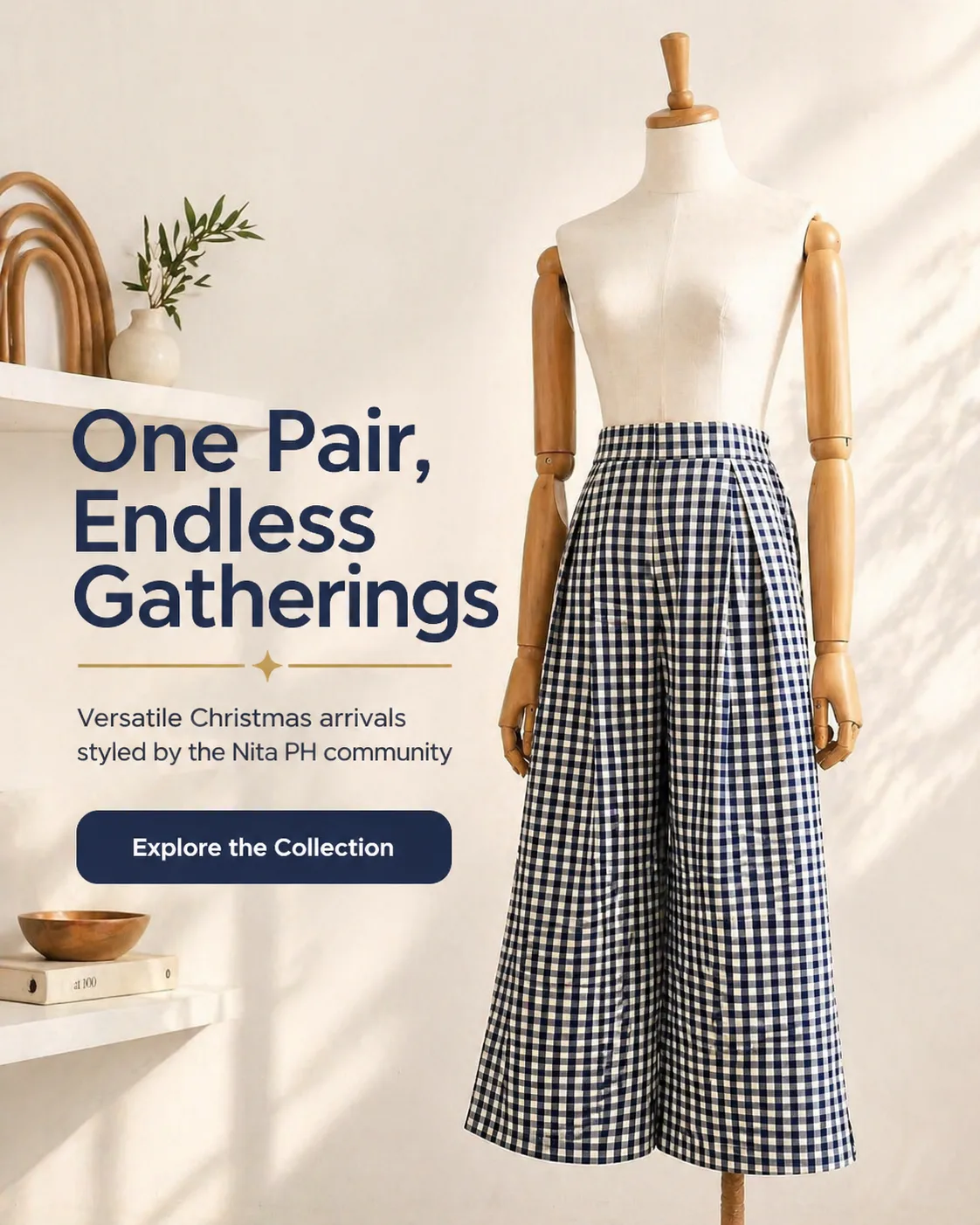
Sustainable Activewear Series
Minimalist Gold Jewelry
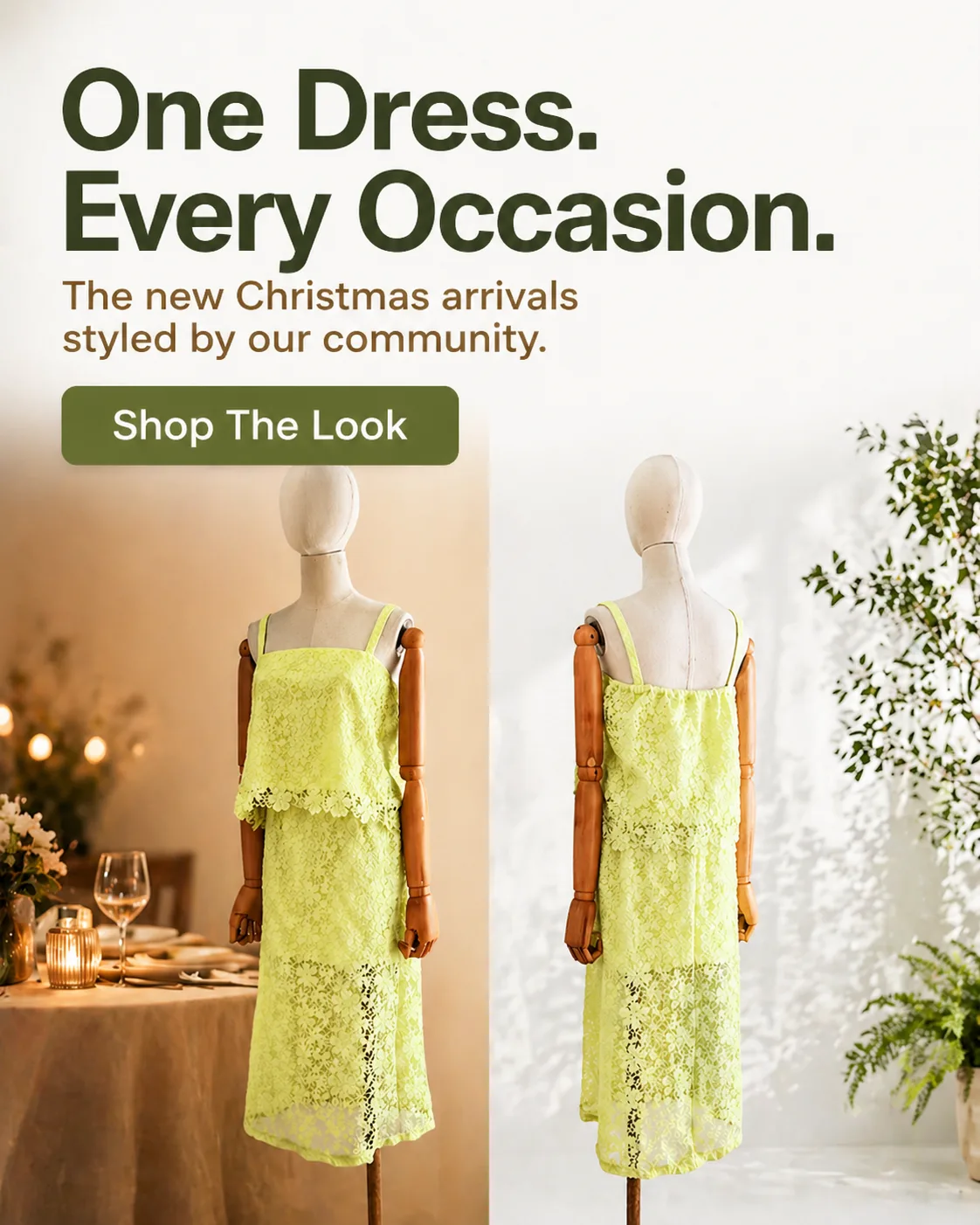
Artisanal Coffee Subscription
Organic Skincare Product Feature
Sustainable Activewear Series
Minimalist Gold Jewelry
Artisanal Coffee Subscription

Organic Pet Wellness Treats
Portable Adventure Gear
Neon Cyberpunk Sneaker Drop
Luxury Watch Editorial
Organic Pet Wellness Treats
Portable Adventure Gear
Neon Cyberpunk Sneaker Drop
Luxury Watch Editorial
The four things that decide whether generated creatives are usable across a whole product range rather than for one launch.
Shopify solved the hard part of selling online: a storefront, a checkout, a product page for every SKU. What it did not solve is the next step, where a merchant has to turn those product pages into a steady stream of ad creatives. If you have spent an evening resizing the same product photo into four formats while a campaign sits paused, you already know the bottleneck is not strategy. It is production volume, and it repeats for every product you add. Adssmith is one of those tools people describe as an AI ad creative generator, but the useful part for a store owner is narrower: it reads a product detail page, extracts the brand rules already encoded in your theme, and generates ad creatives that keep the product and the brand intact.
A single beautiful image is a solved problem. Ask a generative model for a photo of a scented candle on a marble counter and you will get something attractive. Ask it for your candle, from your product page, in your brand's palette, and the failure mode appears immediately: the label comes back with invented lettering, the jar takes on different proportions, and the brand colour drifts toward whatever the model finds prettier.
On a Shopify store that failure is unusually expensive, because your product page is one click away from the ad. A shopper who clicks through can compare the creative against the exact photo, price and description they were promised. Mismatch reads as a bait and switch, and returns follow clicks. A generated asset therefore has to survive contact with the original product detail page photograph, not merely look plausible on its own.
Most independent stores do not have a design team. They have a founder, a freelancer on retainer, or a template pack purchased once and reused until it looks tired. Now count what one product needs to be properly tested: a feed image, a vertical Story, a square for carousel and catalogue placements, each with two or three angles, plus copy variants on top.
At fifty products, that arithmetic stops being about skill and becomes about hours. The predictable result is that most of the catalogue never gets tested at all. Merchants run ads on the handful of products they had time to build by hand, which means the products that could have performed never get a fair chance.
Bulk generation changes that arithmetic rather than the taste behind it. When each product page produces a set of on-brand variations without a rebuild step, the decision shifts from "which five products can I afford to produce creatives for" to "which products should I put budget behind".
Three constraints separate a usable tool from a demo, and all three are easier to state than to enforce.
The product survives generation. Your label, stitching, hardware, proportions and packaging. Generation runs image-to-image against your own photography, so the model relights and recomposes your pixels instead of inventing a similar-looking object.
The brand survives generation. Typeface, palette, spacing and image treatment are read from your storefront and your product pages, then applied as guardrails. This is the difference between a tool that averages your store toward a generic look and one that keeps your catalogue recognisable across every asset.
The output matches the placement. A 4:5 feed image, a 9:16 Story and a 1:1 square are different compositions. Producing one file and cropping it three ways is how an account starts to look assembled rather than designed.
The workflow is deliberately short, because the point is to remove steps rather than add a new dashboard to your week.
If a product already has a finished lifestyle photo you like, you can use it as the reference instead of a listing image. What matters is that the starting point is your product, not a text prompt describing a product like it.
Ads for a Shopify store almost always run on Meta surfaces. A 4:5 image claims the most vertical space in the feed, 9:16 fills Stories and Reels, 1:1 keeps carousel and catalogue units consistent, and 1.91:1 suits link placements where the headline carries the click. Vertical placements sit under interface chrome, so the product belongs in the middle of the frame rather than behind the profile row or the caption.
Image quality is where catalogue reality shows up. Some products have studio photography, some have a phone shot on a windowsill, and a few have a supplier image with a watermark on it. A product page URL gives the tool much more to work with than an upload alone, because it can read the description and the collection context, not just the pixels. When the source photo is weak, the honest outcome is a clean, plainly styled creative rather than a fabricated scene that misrepresents the item. Merchants with a large catalogue should also expect to keep their own eye on the result: automation reduces the number of assets you make by hand, it does not replace judgement about which products deserve budget.
Adssmith is not a storefront builder, a conversion-rate optimiser, a media buyer or a replacement for a real design tool. It does not choose audiences, set budgets or decide your offer, and it will not invent a brand voice for a store that has not defined one. It takes a product page, or the product information you give it, and returns on-brand creatives built for the placement. Everything on either side of that is still yours, which is the point: the repetitive part gets automated and the decisions stay with you.
Start with the product you most want to test. Paste its URL and judge the output against your storefront. For the placement rules behind those formats, see the Meta ads creator page; for the still-image workflow on its own, see the static ad generator.
What store owners ask before putting generated creatives into a live campaign.
Paste a product page URL from your store and see whether the brand comes through before you spend anything.