
Why AI ad generators work differently from text-to-image tools
The fastest way to understand the difference is to ask what the model is being asked to do. A text-to-image tool is asked to draw a product that matches a description. That is a creative task, and creative tasks allow interpretation: the lettering on the label gets smoothed into plausible-looking shapes, the bottle becomes slightly taller, the logo arrives in a font that is almost right. None of it looks broken on its own. All of it looks wrong next to the product photo a shopper can see one click away.
An image-to-image pipeline is asked a narrower question: keep this object and change the world around it. Your photograph is the fixed part of the picture. The background, the surface, the props, the light and the crop are the parts that move. Product identity and scene are separated on purpose, which is why the packaging survives a change of setting.
Where the brand rules come from
A scene is only on-brand if something tells it what on-brand means. Asking a person to type that into a prompt every time is the usual answer, and it is also the usual reason a folder of generated creatives stops looking like one company.
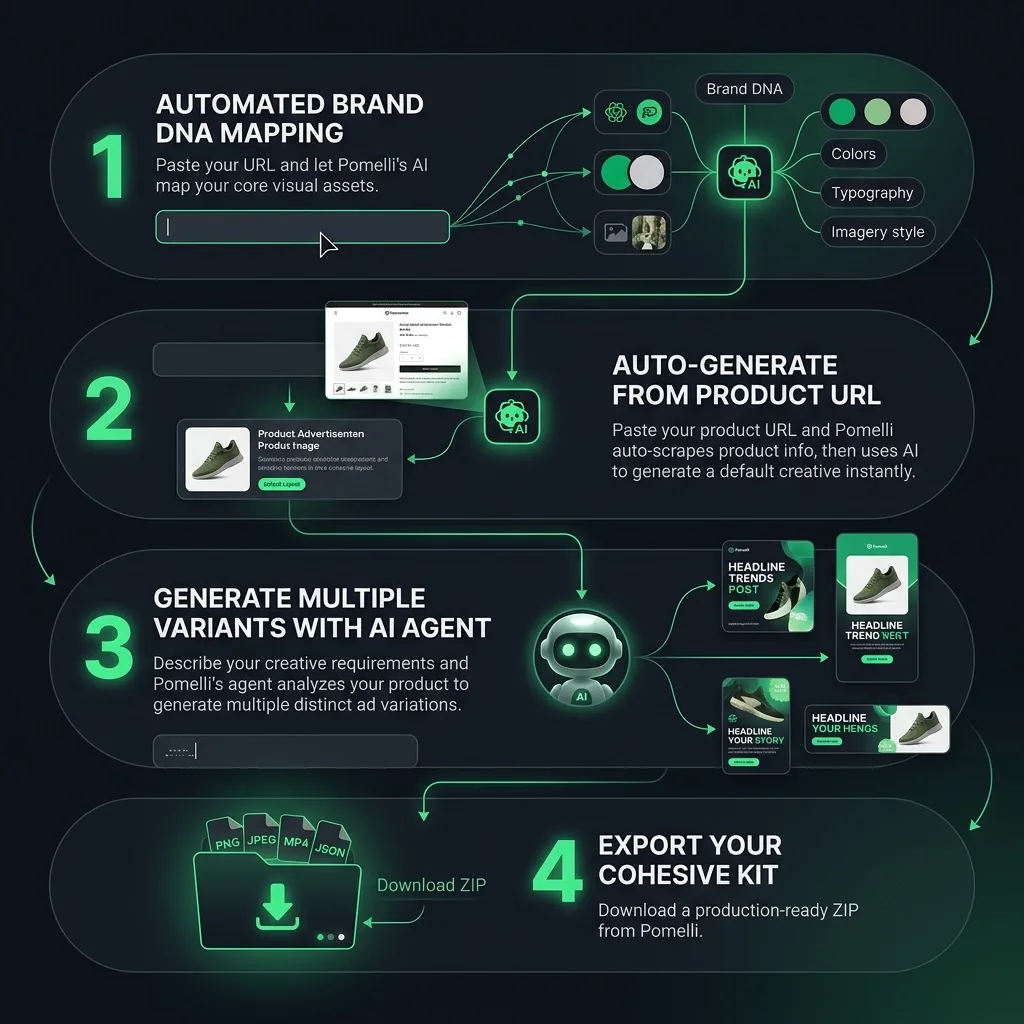
Adssmith takes the rules from the pages you already publish. The palette you use, the typeface your headings and buttons share, and the kind of photography or illustration on your site are read as a pattern and carried into generation as constraints rather than as suggestions. You can see the same idea described from the product side on the page for our AI ads maker: the input is a URL, not a design brief, because your site is already the more accurate description of your brand.
What the guardrails actually constrain
Guardrails are easier to trust when they are concrete. In practice they are a short list of limits that every scene is composed inside:
- A small palette, with your brand colour used in one clear role rather than sprinkled everywhere. This is what keeps a set of creatives recognisable even when the scenes are completely different.
- No more than two type styles in a single image, so hierarchy reads at thumbnail size instead of turning into decoration.
- One stated light source per scene, with shadows and reflections that agree with it. Physically consistent light is what separates a product that looks photographed from a product that looks pasted in.
- The product and any on-image text kept inside the area platform interfaces do not cover, so a Stories or Reels placement does not eat the label you paid to show.
- Wording passed as exact strings, with no extra words, badges, prices or ratings added by the tool anywhere in the frame.
What the pipeline refuses to do
A guardrail that only shapes the picture is half a guardrail. A few things are simply not produced, however plausible they would look: statistics that came from nowhere, star ratings, review quotes, certification badges, competitor names, and any claim that was not in the material you provided. Sourced material is different from invented material — a review you can point to and are entitled to use is placed, an invented one is not. If a request needs an invented detail to work, the honest answer is that it cannot be made, and saying so is part of the pipeline rather than an exception to it.
That restraint is the reason a generated asset can survive being looked at closely. It is easy to make an ad that looks convincing in a feed. It is the click-through to your own product page that decides whether the shopper believes you, and by then the picture has to match the product exactly.
What this means if you are choosing a tool
When you evaluate any generator, the useful question is not how attractive its samples are. Ask what it treats as fixed. If the answer is the product photograph and a set of rules read from your own site, the item on your product page is the thing the scene is built around. If the answer is a text description, then every creative is an interpretation, and the corrections land on you after the campaign is already running.
Two pages go further into the output itself: the static ad generator page covers the still-image workflow ratio by ratio, and the ad creative examples gallery breaks down the structures those creatives are built on.